Online Wardrobe Planner

Build a wardrobe or closet in 3D to fit your exact niche — with hinges, door gaps and the panel cut list all worked out automatically.

8

module types

3

door styles

300+

DSP textures

What the wardrobe planner can do

Sections and doors

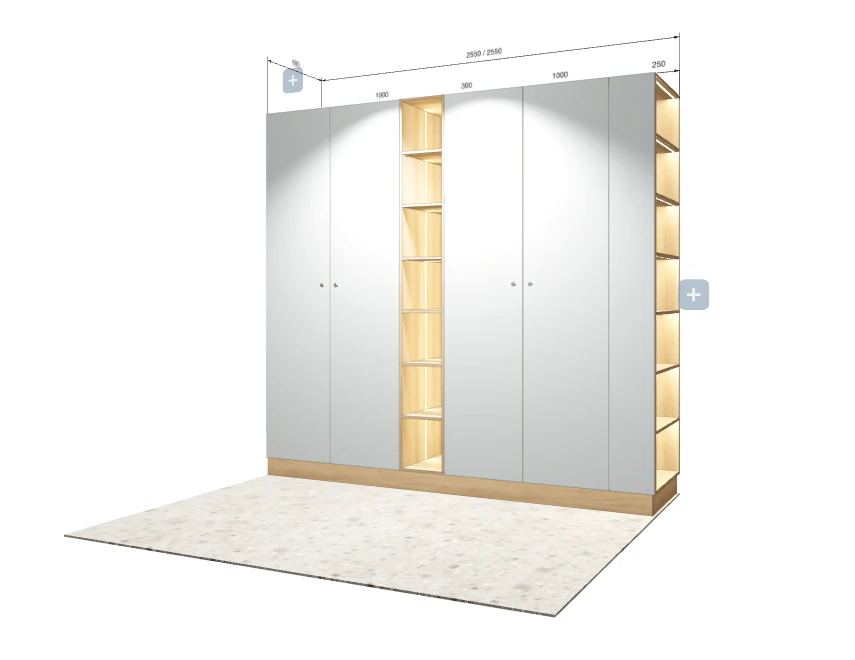
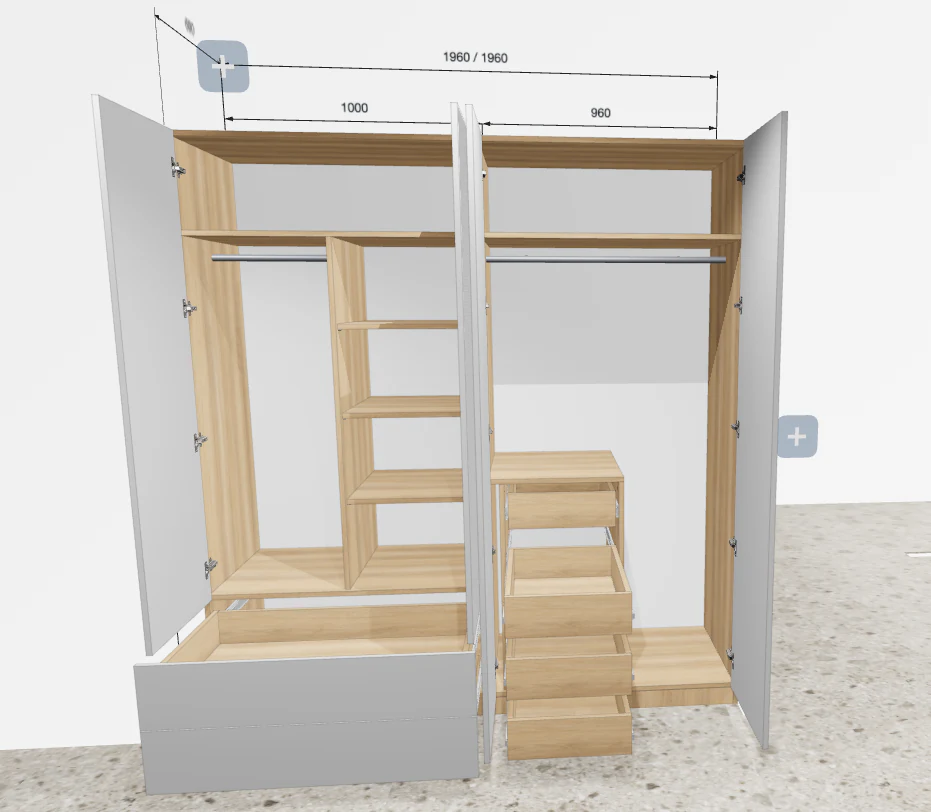
  • 8 section types plus a mezzanine: hinged doors, drawers, shelves, a hanging rod — in any combination.

  • Hinges, gaps between doors, and slides are picked automatically for any width and opening side.

Materials and hardware

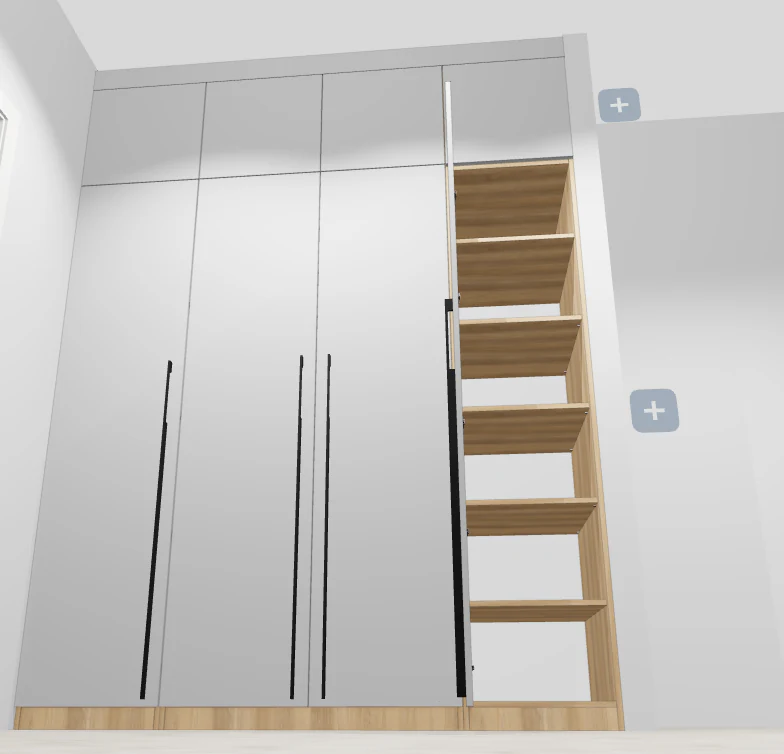
  • 100+ handle models: edge-pull (no protrusion), bar, and knob — for any facade style.

  • 300+ chipboard and MDF textures from real board manufacturers.

  • 8 glass colors for display doors: clear, frosted, bronze, graphite, blue, smoked, Lacobel black and white.

  • A catalog of real hardware: hinges, 3 slide types (250–600 mm), lift systems, rods, cargo baskets, fasteners.

AI tools

  • The AI assistant edits an already-built wardrobe from a text command — for example, adding a section with drawers and shelves.

  • AI render turns the current 3D view into a photorealistic image to show a client.

Cutting, costing and export

  • A full parts specification — with edge banding and drilling for hinges, shelf pins, and fasteners.

  • Visual cutting maps per sheet, with a fill-rate percentage for each one.

  • A cost estimate by category: materials, hardware, and production services, each as its own line.

  • Your own technical profiles (10 parameter groups) and several saved presets with their own prices.

  • Export to PDF and Excel, a 3D model in GLB, a scene screenshot, and a project link for social sharing.

Wardrobe planner FAQ

Is it free?+

Yes — building a wardrobe project and getting the parts list is free, no software to install. AI render uses credits.

Do I need 3D modeling skills?+

No. Sections and doors are set in the parameters panel, and hinges and door gaps are calculated automatically.

Can I fit a wardrobe into a non-standard niche?+

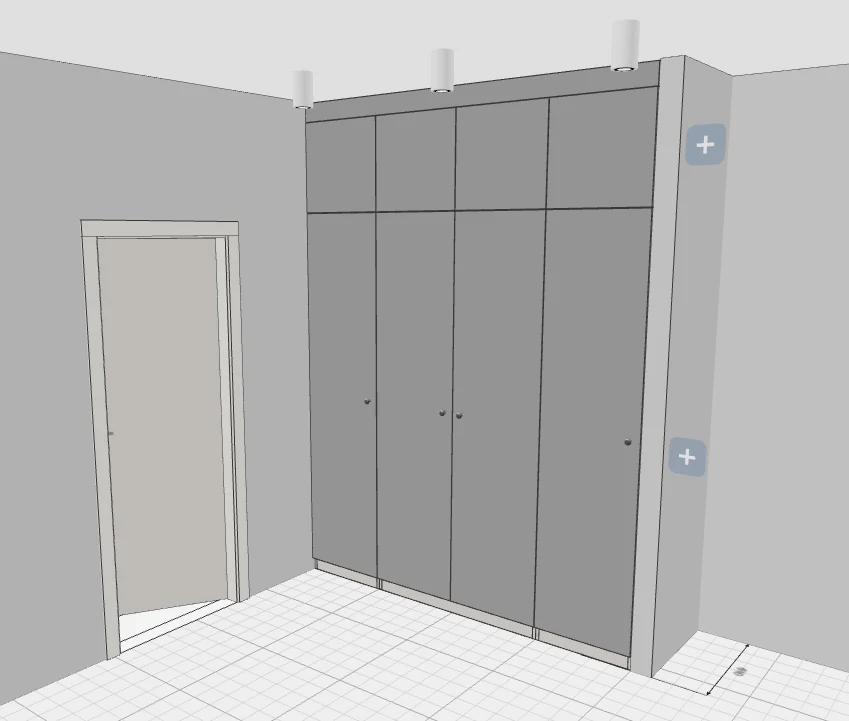
Yes, each section’s dimensions are set manually to fit your niche, not just picked from fixed templates.

What do I get at the end?+

A parts list with dimensions, material and edge banding, a panel cutting map, and a 3D model of the wardrobe.

Can I edit an already-built wardrobe with a text command?+

Yes — the AI assistant can add or change sections, drawers and shelves in an already-built wardrobe from a text instruction.

Design your wardrobe for free

Design your wardrobe for free